Real-time translation on your device
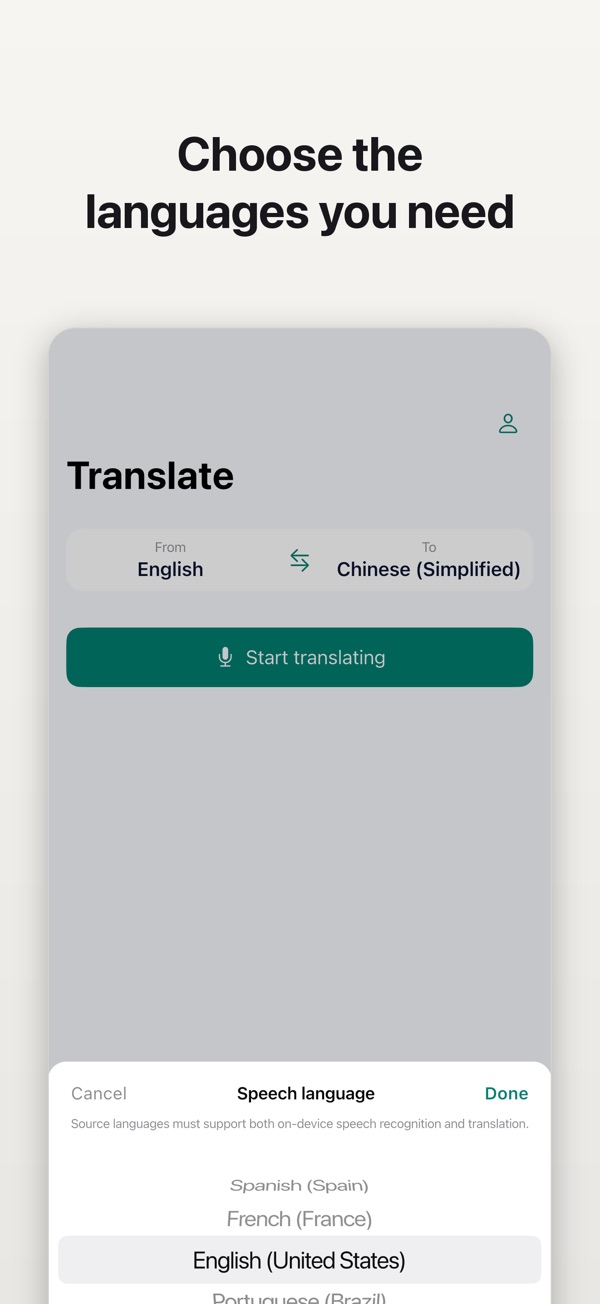
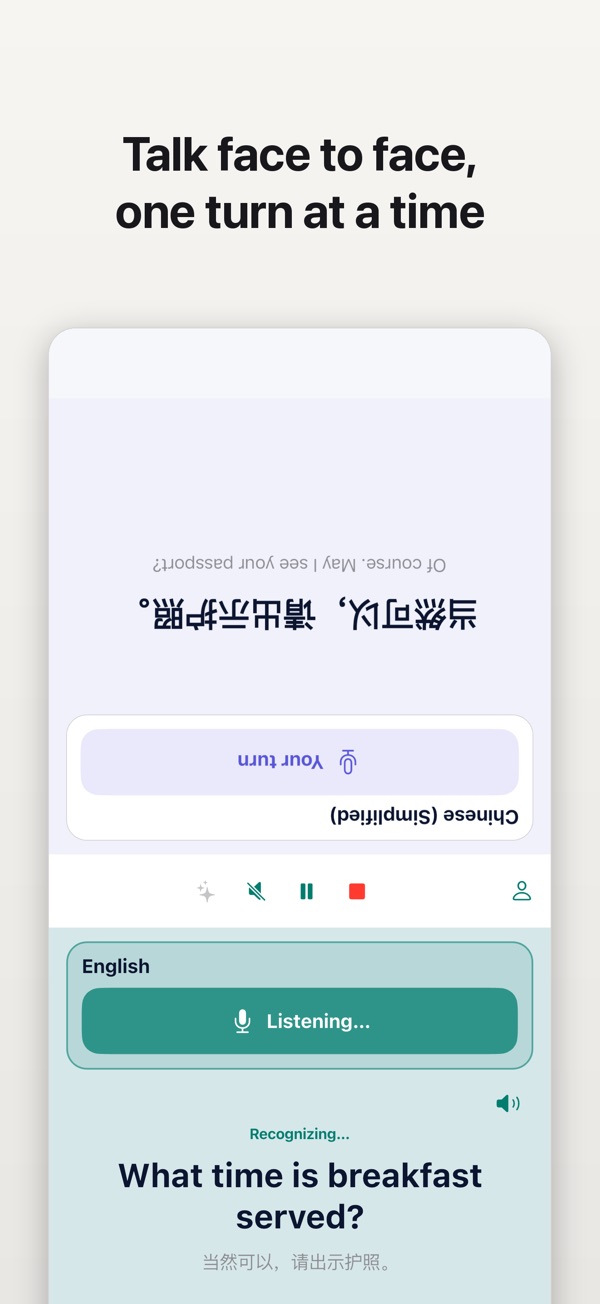
See recognized speech and its translation as you talk. Talklation clearly checks whether the selected languages are ready for offline use before you begin.
Talklation turns speech into clear, real-time translations for travel, work, and face-to-face conversations. Prepare the languages your device supports, speak naturally, and keep the conversation moving without relying on a network connection for the core translation flow.

See recognized speech and its translation as you talk. Talklation clearly checks whether the selected languages are ready for offline use before you begin.
Place the phone between two people and tap whose turn it is to speak. Both directions share one reliable translation session.
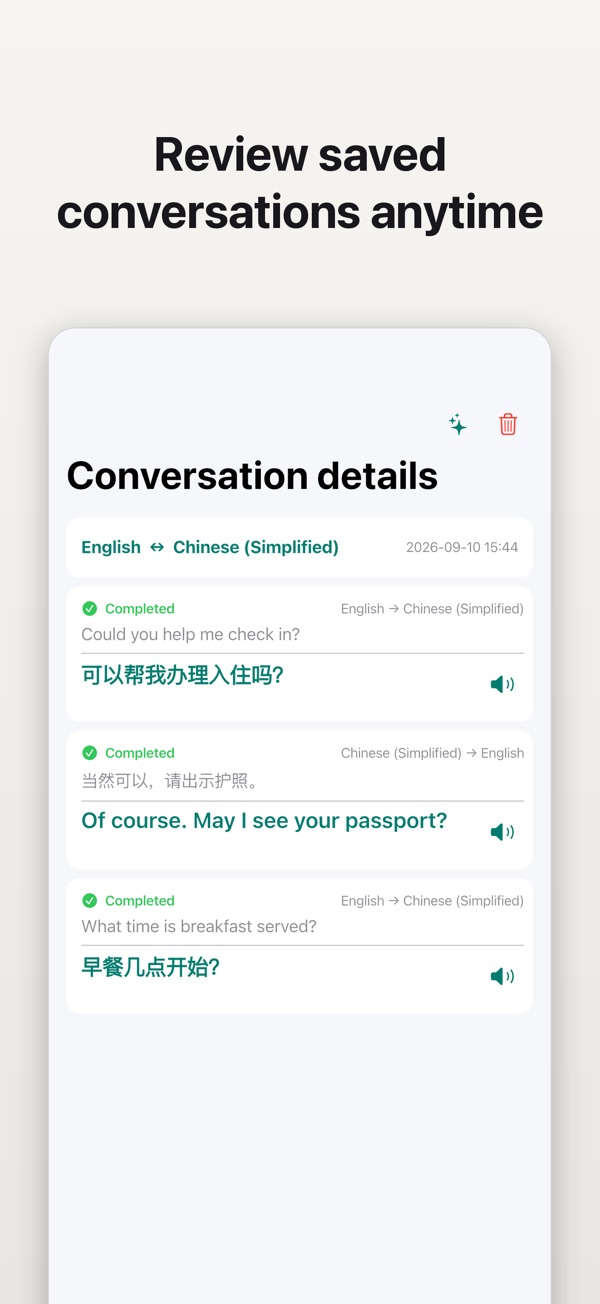
Keep completed conversations on your device, return to them later, and request a concise AI summary with key points and follow-ups when you choose.

“I downloaded Spanish before a mountain train ride. In a tunnel with no signal, Talklation still translated the conductor clearly.”

“At my mom’s clinic, I switched Mandarin and English with one tap. She and the receptionist each read their side of the face-to-face screen.”

“After a 40-minute bilingual interview, the conversation was organized by speaker. The AI summary captured decisions and follow-ups before I packed up.”

Learn how to use a face-to-face translation app for two-way conversations, with clear speaker turns, practical setup tips, and honest limits.
A practical guide to preparing Talklation's supported languages before a trip or conversation without reliable internet.
Why Talklation shows a device-specific language list and how to check whether a source and target pair is ready.
Core real-time speech recognition and translation can work offline after the required system language resources are available on a supported device. AI summaries, cloud sync, and purchase verification require an internet connection.
No. Translation, face-to-face conversation, local history, speech playback, AI summaries, purchases, and purchase restoration work without an account. Signing in is only required for cloud sync.
No. In face-to-face mode, you tap who will speak next. This keeps each language direction explicit and avoids guessing who is speaking.
The language list comes from the capabilities of your current device and operating system. Source languages need on-device speech recognition and translation; target languages only need translation support.
No. Microphone audio and partial speech recognition stay on your device. Completed text may be sent in a bounded private completion notification, and the completed record you choose is sent when you request an AI summary.
Get Talklation for iPhone, iPad, or Android and prepare the languages you need before your next conversation.